
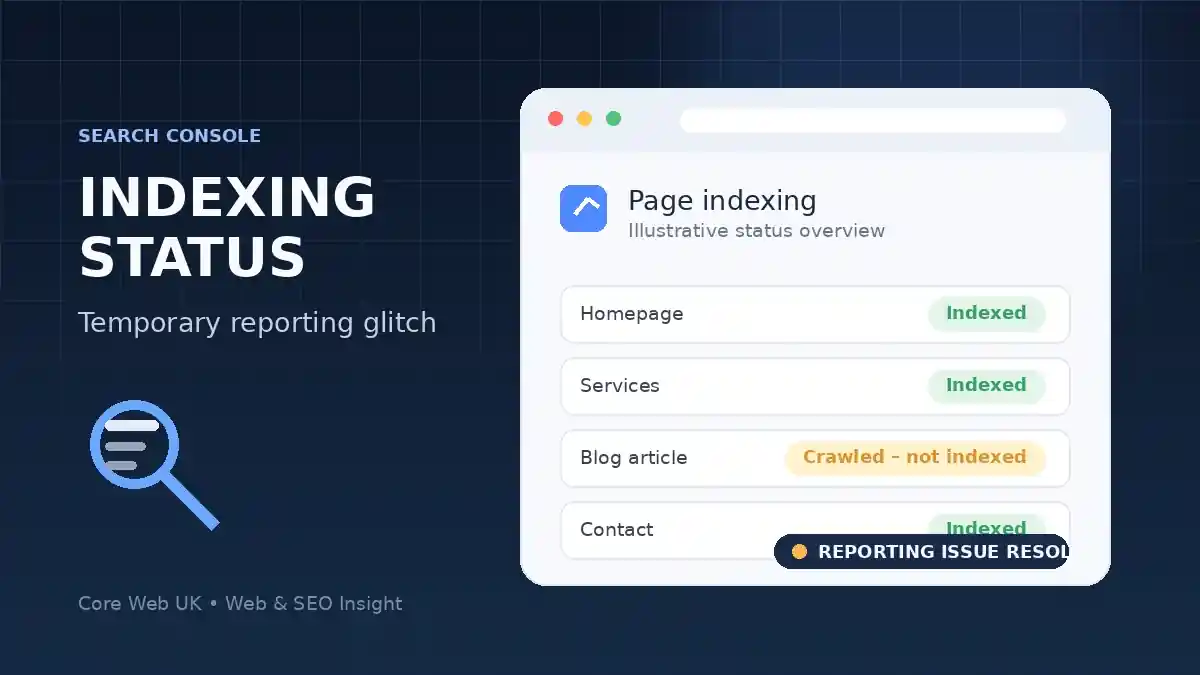
A brief Google Search Console reporting error caused some already indexed pages to appear as “Crawled – currently not indexed” on 8 September, Google has confirmed.
Google Search Relations’ John Mueller said the problem was a “short blip that was resolved quickly in the night”. His comments indicate the incident affected reporting rather than the underlying indexing of pages.
Reports from SEO professionals showed the unusual status appearing on pages that were still visible in Google, including homepages. Search Engine Roundtable documented the incident after site owners and consultants noticed the discrepancy. Some automated Search Console API pulls also captured the incorrect status while the problem was active.
For UK small businesses, the useful lesson is not to make emergency SEO changes because of one sudden Search Console status change. Rewriting pages, changing canonicals, adding redirects or repeatedly submitting URLs can create real problems if the original page was already working normally.
Google’s own Page indexing report guidance says the report is not intended to check the index status of a specific page. For an individual URL, Google recommends using the URL Inspection tool. That makes it the better first check when a homepage or important service page appears to have changed status unexpectedly.
If the same warning is still showing after the reporting issue has passed, it should then be treated as a genuine technical investigation. Check whether the page can be crawled, whether a noindex directive is present, which canonical Google has selected, whether the URL is internally linked and whether the content is strong enough to justify indexing. Our technical SEO audit checklist for small business websites covers those checks in more detail.
Google Search Console page indexing errors: bug or real problem?
A sudden Google Search Console page indexing error does not always mean the page has dropped out of Google. First compare the report with URL Inspection and check whether the URL is still appearing in search. If the page remains indexed, the change may be a reporting issue rather than an indexing failure.
If the problem persists after any confirmed Search Console bug has been resolved, investigate the page itself. Check crawl access, noindex directives, canonical selection, redirects, server responses, internal links and whether Google can render the page normally. Treat the report as a diagnostic signal, not proof on its own that the URL has been removed from the index.
Businesses that continue to see important pages excluded can also review Core Web UK’s SEO services for help diagnosing persistent crawling and indexing problems.
For agencies or businesses using automated monitoring, any Search Console API data pulled during the affected window is worth checking again before it is used for reporting or decisions. The incident was brief, but it is a useful reminder that a reporting anomaly and an actual loss of Google indexing are not the same thing.
What should you do during a Search Console reporting bug?
If Google confirms a reporting issue, avoid making major SEO changes based only on the affected report. Check whether the website itself is still working and whether pages can be found in search.
Keep a record of the dates involved so you can compare the data again after Google fixes the report.
- Check important URLs directly.
- Review other Search Console reports.
- Avoid deleting good pages because of faulty data.
- Recheck the numbers after the issue is resolved.
